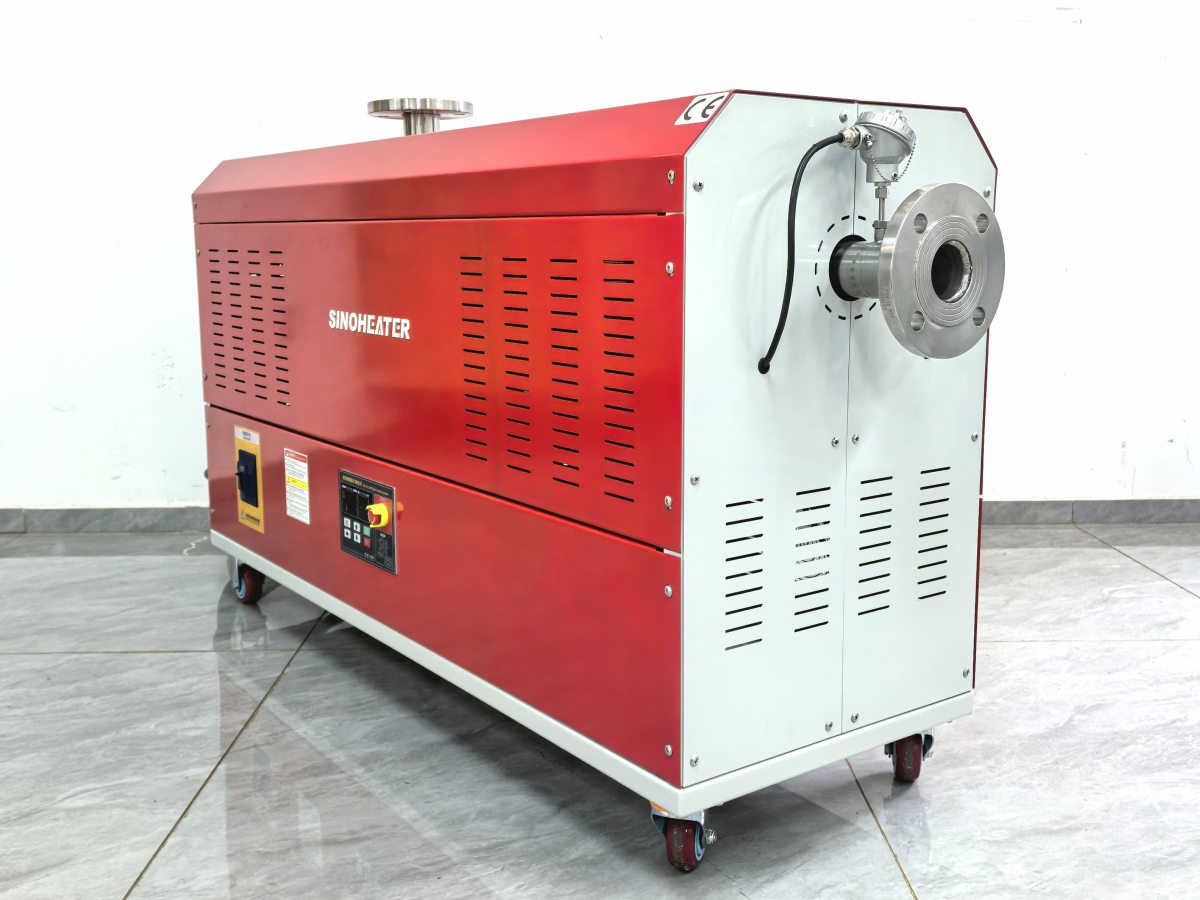
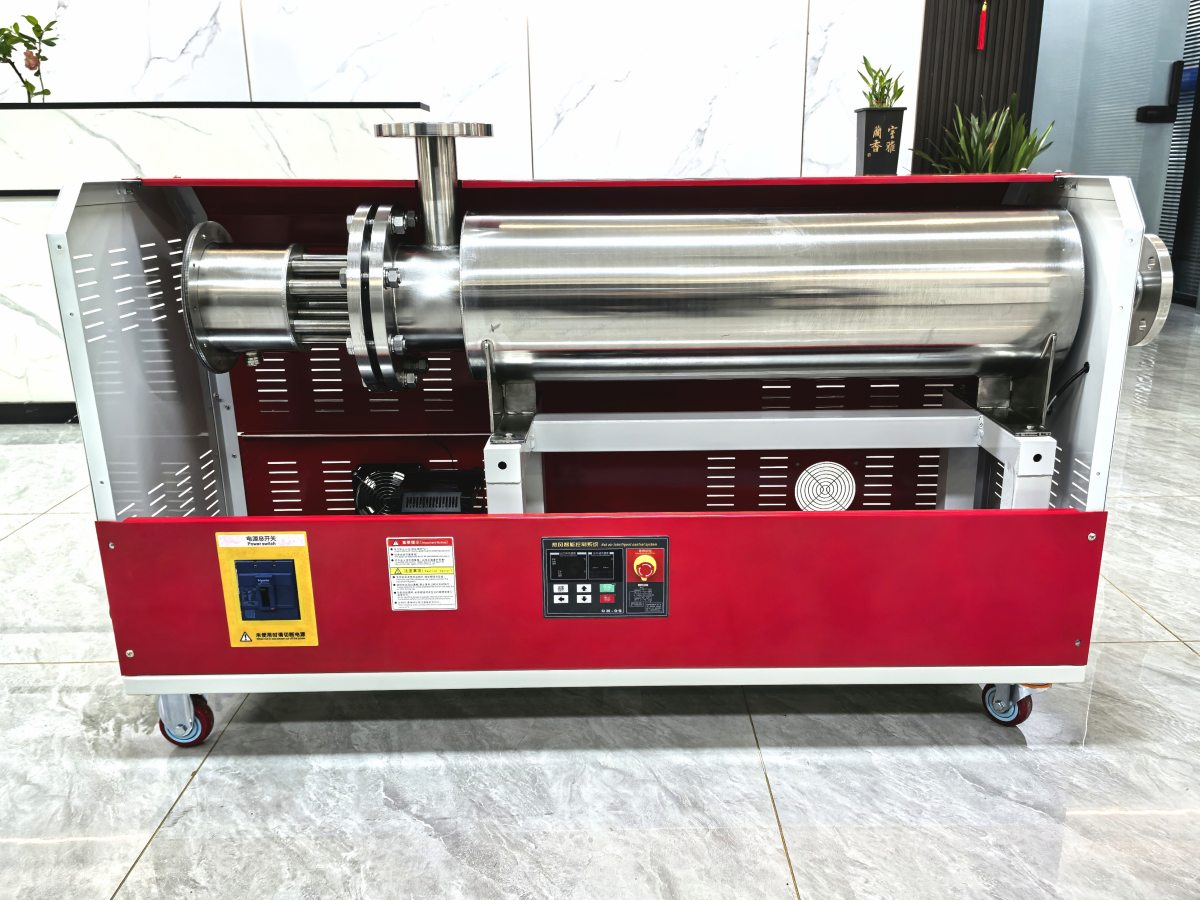
Heat Blower Not Heating: A Practical Troubleshooting and Repair Guide That Actually Works
Your heat blower turns on, the fan spins, but no heat comes out. You’ve checked the thermostat. You’ve checked the power. Nothing makes sense. So you either call someone expensive or start guessing.
Stop guessing. This guide walks through the actual logic behind a no-heat condition, from the simplest fix to the one that requires opening the unit up. Most no-heat failures come down to three or four causes. Find the right one and you’ll have it running again in under an hour.
The First Thing You Should Actually Check
Before you touch a single wire or unscrew a single panel, do this.
Set the thermostat to its highest setting. Wait five full minutes. Sometimes the thermostat sensor needs time to register the demand. On units with a warm-up delay, the heating element won’t kick in until the internal temperature reaches a certain threshold. If you’re impatient and keep cranking the dial, you might trigger a lockout mode that shuts the heater off entirely.
Still no heat after five minutes? Now you start troubleshooting.
Most Common Reasons a Heat Blower Stops Producing Heat
Thermal Fuse or Thermal Cutoff Has Tripped
This is the number one cause of no-heat conditions, and it’s also the easiest to fix.
Every heat blower has a thermal fuse — a one-time safety device that blows when the internal temperature exceeds a safe limit. Once it blows, it stays blown. The unit will run the fan but the heating element gets zero power.
Locate the thermal fuse on the control board or near the heating element. It looks like a small cylindrical component, usually white or beige, with two wires coming out of each end. Use a multimeter set to continuity mode. Touch the probes to each end of the fuse. If you get no reading, the fuse is blown.
Replace it with an exact match — same temperature rating, same current rating. Do not bypass it. Do not bridge it with a wire. That fuse exists because the unit got dangerously hot at some point. Bypassing it removes the only thing standing between you and a fire.
Heating Element Has Failed Open
The heating element itself can burn out. When it does, it usually fails open — meaning the circuit is broken and no current flows through the element.
Disconnect power first. Then disconnect the wires from the heating element terminals. Set your multimeter to resistance mode and measure across the two terminals. A good element typically reads between 10 and 50 ohms depending on the wattage. If you get infinite resistance or OL on the display, the element is dead.
Visual inspection helps too. Look for dark spots, blistering, or a visible break in the coil. Some elements fail without any visible damage, so always test with a meter even if it looks fine.
Replace the element and re-test. If the new element also fails quickly, something else is causing it to overheat — probably a fan motor that’s not spinning fast enough.
Fan Motor Not Running or Running Too Slow
This one catches people off guard. The fan motor and the heating element are a team. If the fan stops or slows down, the heating element overheats almost immediately. The thermal fuse trips. Now you’ve got a no-heat condition caused by a fan problem, not a heater problem.
Check the fan motor first. With the unit powered on, listen carefully. No fan noise at all? The motor is dead or the capacitor has failed. Fan runs but sounds weak or sluggish? The bearings are shot or the capacitor is losing capacity.
Test the start capacitor with a multimeter that has capacitance mode. A bad capacitor will read far below its rated microfarad value. Replace it — they’re cheap and easy to swap. If the motor itself is seized, you’ll need to replace the whole motor assembly.
Run the blower after replacing the fan motor or capacitor before you even touch the heating element. If heat comes back, you found the real problem.
Electrical Faults That Kill Heat Output
Tripped Thermal Protector on the Element
Some heat blowers use a bimetallic thermal protector instead of a fuse. Unlike a fuse, this one resets automatically when it cools down. That means the unit might work fine after sitting overnight and fail again the next time you run it.
To test this, let the unit cool completely. Then power it on and immediately measure resistance across the protector terminals. If you get continuity, the protector is closed and working. If you get no continuity, it’s tripped. Wait 15 minutes and test again. If it still reads open, the protector is stuck and needs replacement.
Loose or Corroded Wiring Connections
Heat blowers vibrate. Vibration loosens screws. Loose screws create resistance. Resistance creates heat at the connection point. That heat melts insulation. Now you’ve got an intermittent connection that works sometimes and fails other times.
Open up the unit and check every terminal. Look for discolored wires, melted insulation, or screws that you can turn with your fingers. Tighten everything. If a wire looks damaged, cut it back to clean copper and re-crimp or re-solder the connection.
Pay special attention to the connections between the thermostat and the control board. A loose thermostat wire will let the fan run but never send the signal to activate the heating element.
Control Board Failure
If the thermal fuse is good, the element is good, the fan is good, and all wiring is solid, the problem is the control board.
The control board decides when to send power to the heating element. If the relay on the board has welded open or the triac has failed, the board will run the fan but never energize the heater.
Testing this requires checking for voltage at the heater output terminals when the thermostat calls for heat. If you get zero volts at the output when the thermostat is set to heat, and you’ve already confirmed the thermostat is sending a signal, the board is dead.
Control boards are not always worth repairing. Sometimes the cost of the board plus labor exceeds what a replacement unit would cost. But for high-wattage industrial blowers, board repair makes sense.
Sensor and Thermostat Problems That Look Like Heater Failures
Thermostat Sensor Drift
The thermostat sensor tells the control board what the current temperature is. If that sensor drifts out of calibration, it might read the room as 85 degrees when it’s actually 60. The board thinks the space is warm enough and never turns on the heater.
Test the sensor resistance at room temperature and compare it to the spec sheet. Most NTC thermistors read around 10k ohms at 25 degrees Celsius. If yours reads 2k or 20k, the sensor is bad.
Replace the sensor. It’s usually a tiny component that costs almost nothing. But it’s the reason a lot of no-heat calls turn out to be a five-minute fix.
High-Limit Safety Thermostat Stuck Open
Every heat blower has a high-limit thermostat that shuts everything down if the unit overheats. If this thermostat gets stuck in the open position, it cuts power to the heater permanently.
Find it — it’s usually mounted directly on the heating element housing. Test for continuity. If it reads open at room temperature, replace it. This is a safety device, not a wear item. It should never be bypassed.
When to Call a Professional Instead of DIY
Some no-heat failures are not worth opening up yourself. If the unit is still under warranty, opening it voids that warranty. If the blower is hardwired into a building’s electrical system, messing with it without proper knowledge is a code violation and a liability issue.
Also, if you’ve replaced the thermal fuse, the heating element, and the fan motor and it still won’t heat, you’re looking at a control board issue or an internal wiring fault that requires schematic-level diagnosis. That’s a job for someone who does this every day.
Don’t let pride turn a simple fuse replacement into a burned-down building. Know your limits. Fix what you can. Call someone when you can’t.