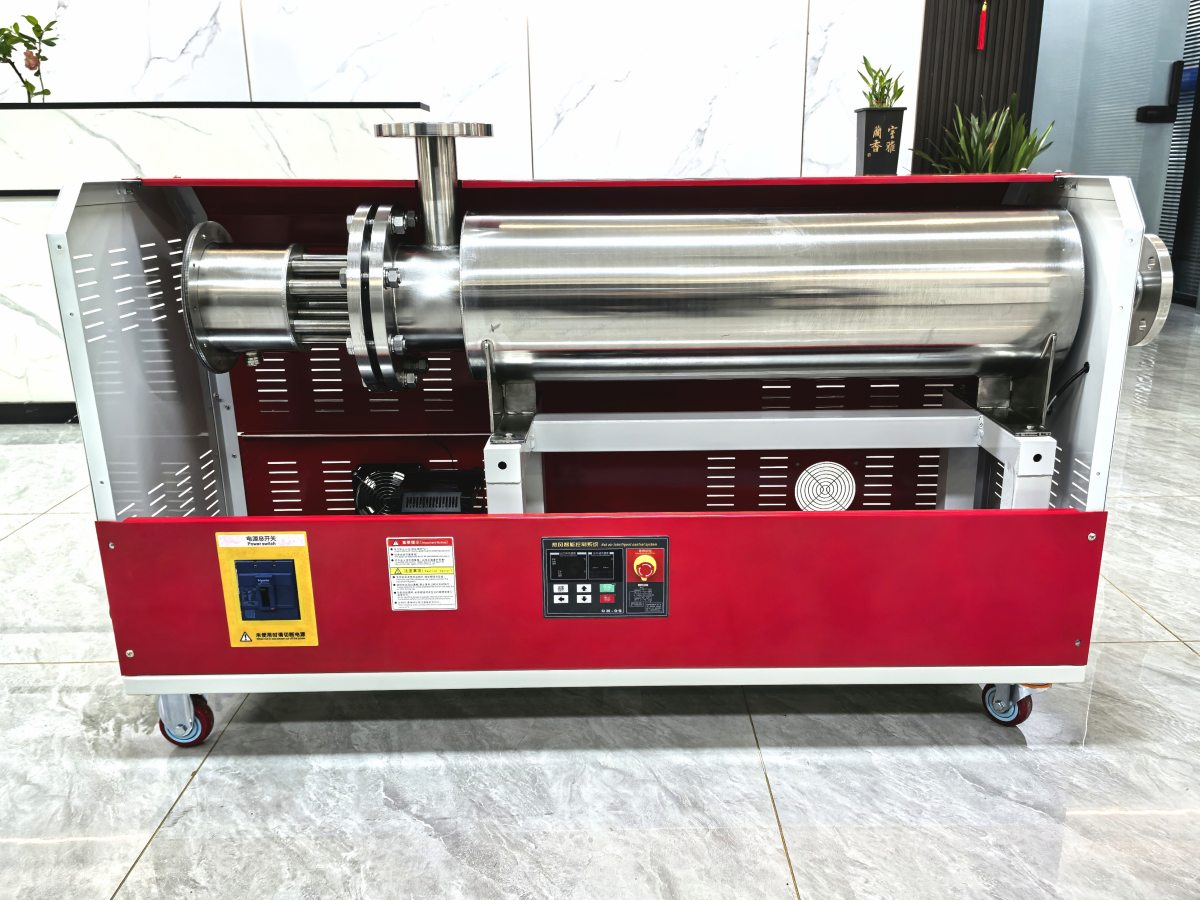
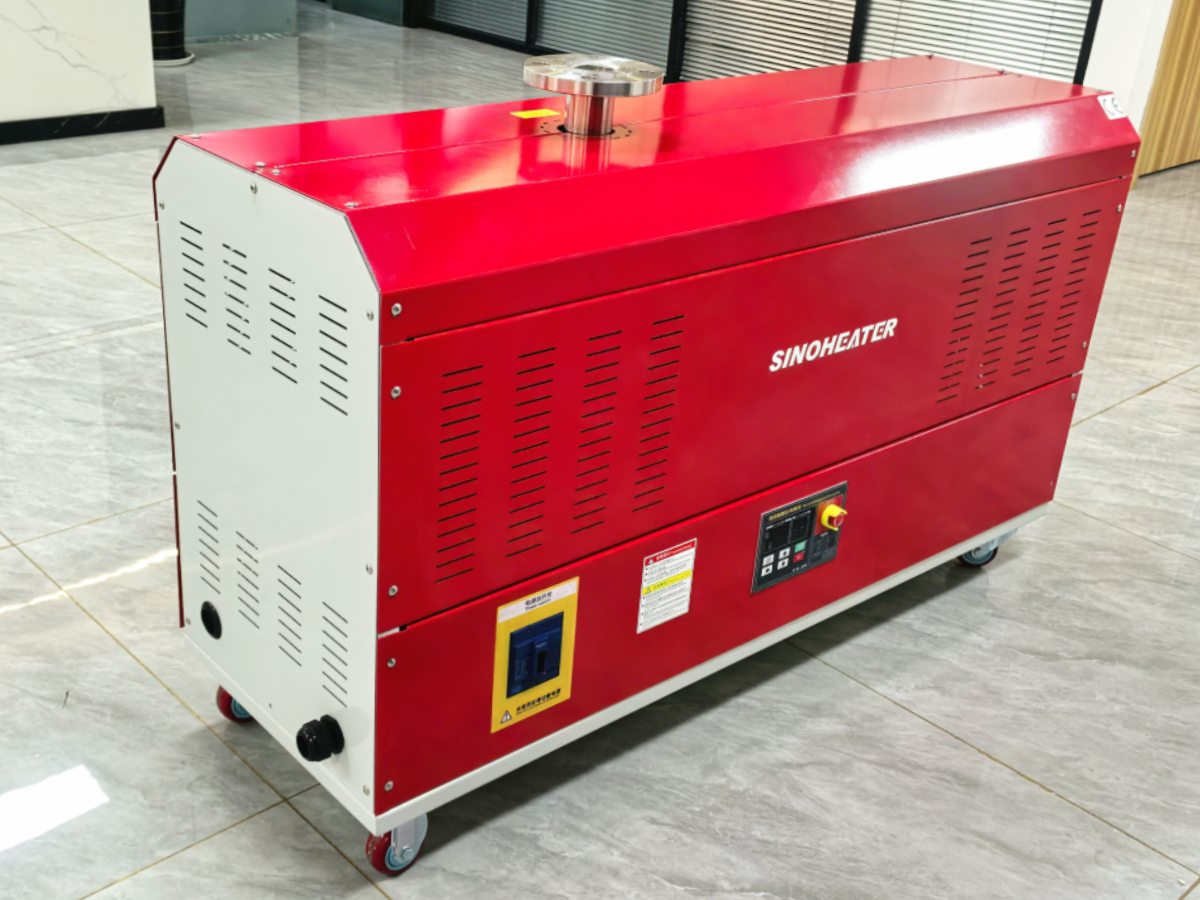
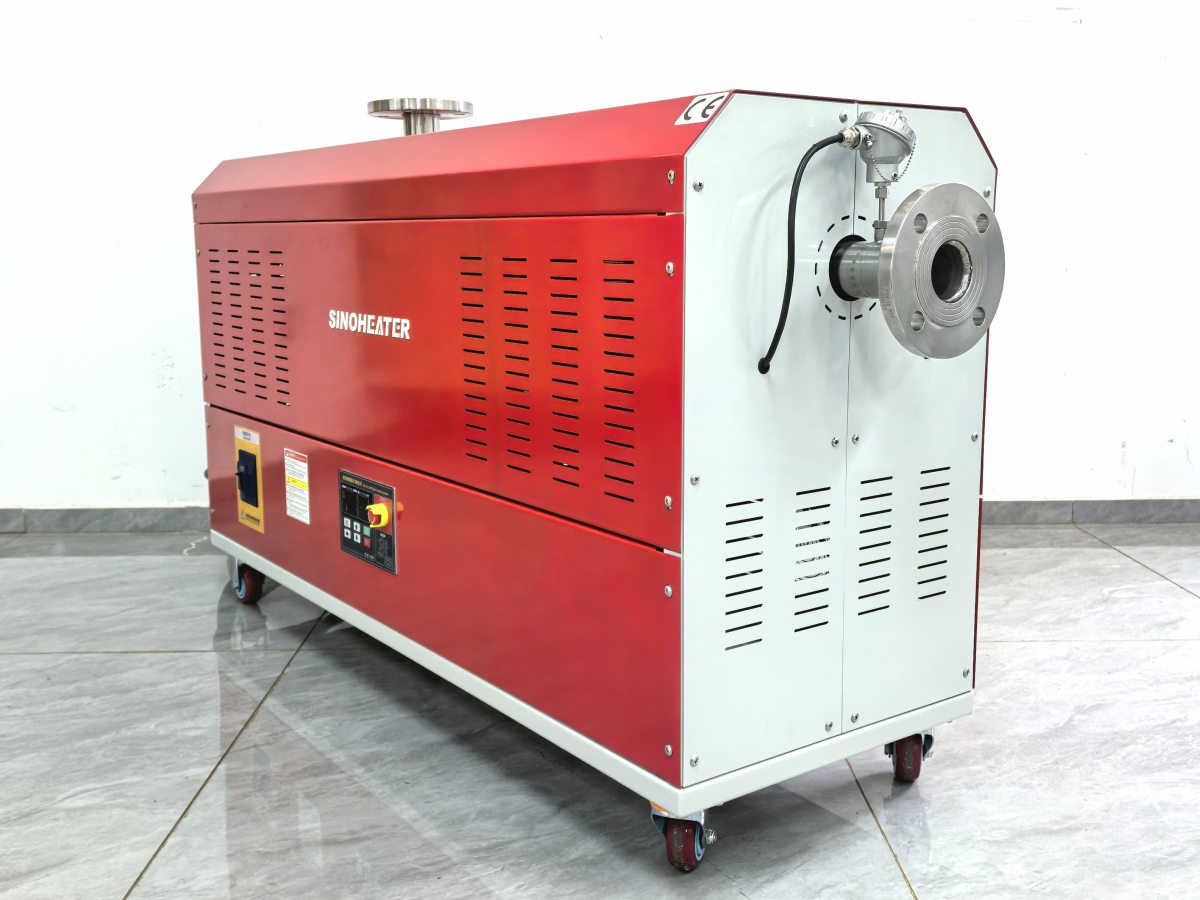
Daily care and proper usage habits are the foundation of keeping a hot air blower running reliably for years, even when it sees heavy, consistent use in busy workshops, large commercial spaces, or open industrial sites. Small, consistent checks that take just a few minutes each shift can prevent most unexpected mid-operation breakdowns, and help you avoid the unnecessary wear that cuts years off your equipment’s usable lifespan.
Simple pre-operation checks to run every time you power up the unit
You can work these quick steps into your regular start-of-shift routine without adding extra hassle to your workflow. Before you plug the unit in or flip the power switch, take 30 seconds to look over the full length of the power cord for any new frays, cracks, or pinched spots that may have appeared since the last time you used it. Give the air intake and exhaust openings a quick visual scan to make sure no stray bits of fabric, paper, or workshop debris have drifted in to block the flow of air. Double check that the unit sits on a flat, stable surface at least a few feet away from any loose, flammable materials that could be accidentally blown toward the hot air outlet once the system starts running. These tiny, quick checks catch most preventable issues before they ever have a chance to turn into bigger problems.
Small in-use habits that prevent unnecessary long-term wear
There are easy, low-effort choices you can make while the blower is running that add up to huge differences in how well it performs over time. Never leave the unit running unattended for hours on end, especially if you are working in a space where dust levels can shift unexpectedly or small items might get knocked into the airflow path. If you notice the system making an unusual new noise, or the airflow suddenly feels weaker than it did 10 minutes before, turn the unit off right away instead of pushing it to keep running through the issue. Avoid yanking or pulling the power cord to move the unit across the workspace, since that can loosen internal wiring connections or create hidden strain on the cord’s connection point at the base of the blower. If you need to adjust the position of the unit while it is on, always grip the solid outer frame instead of pulling on any attached lines or vents.
Proper shutdown and post-use care to extend component life
The steps you take after you finish using the blower are just as important as the checks you run before turning it on. Before you cut full power to the unit, turn off the heating function first and let the fan run on its own for 2 to 3 minutes. This pulls cool air through the entire system, bringing down the temperature of the heating elements and internal motor slowly instead of trapping residual heat inside the housing that can warp components over time. Once the unit has fully cooled down, wipe down the outer casing with a dry, soft cloth to brush away any loose dust that settled on the surface during operation, so it does not get pulled into the intake vent the next time you turn the system on. If you are not going to use the blower for several days, store it in a clean, dry spot where no moisture or heavy dust buildup can settle on the internal parts while it sits idle. Jot down any small odd behaviors you noticed during operation in a simple maintenance log, so you can spot slow, gradual changes in performance that would be easy to miss if you do not track them over time.