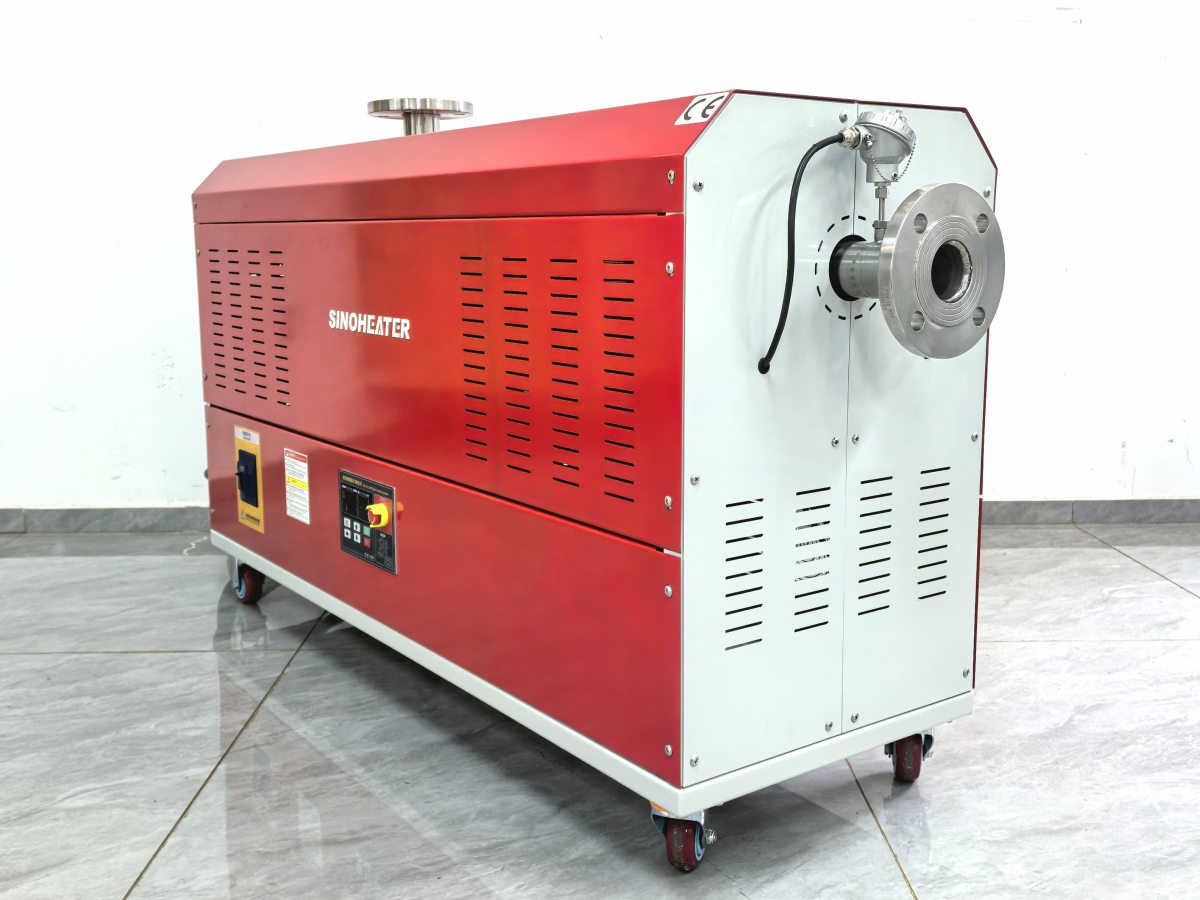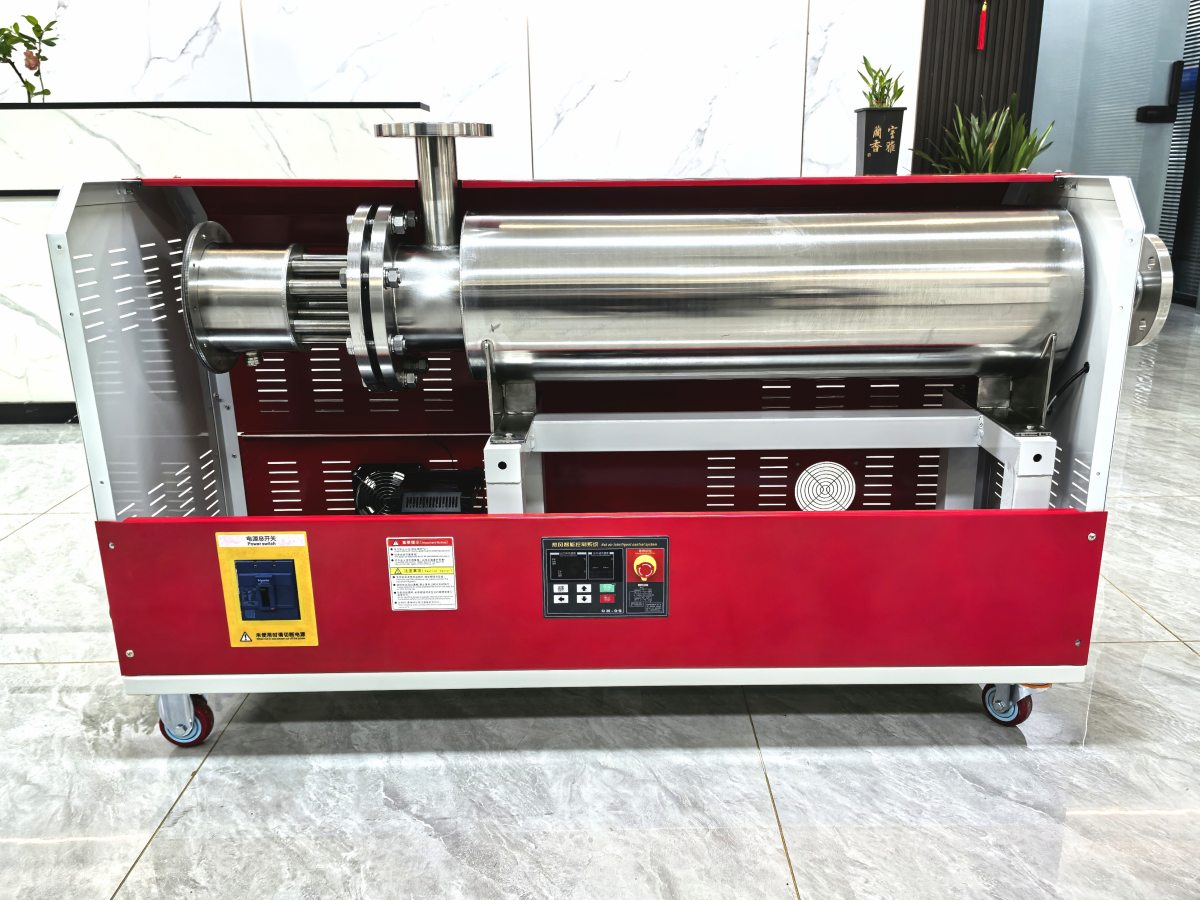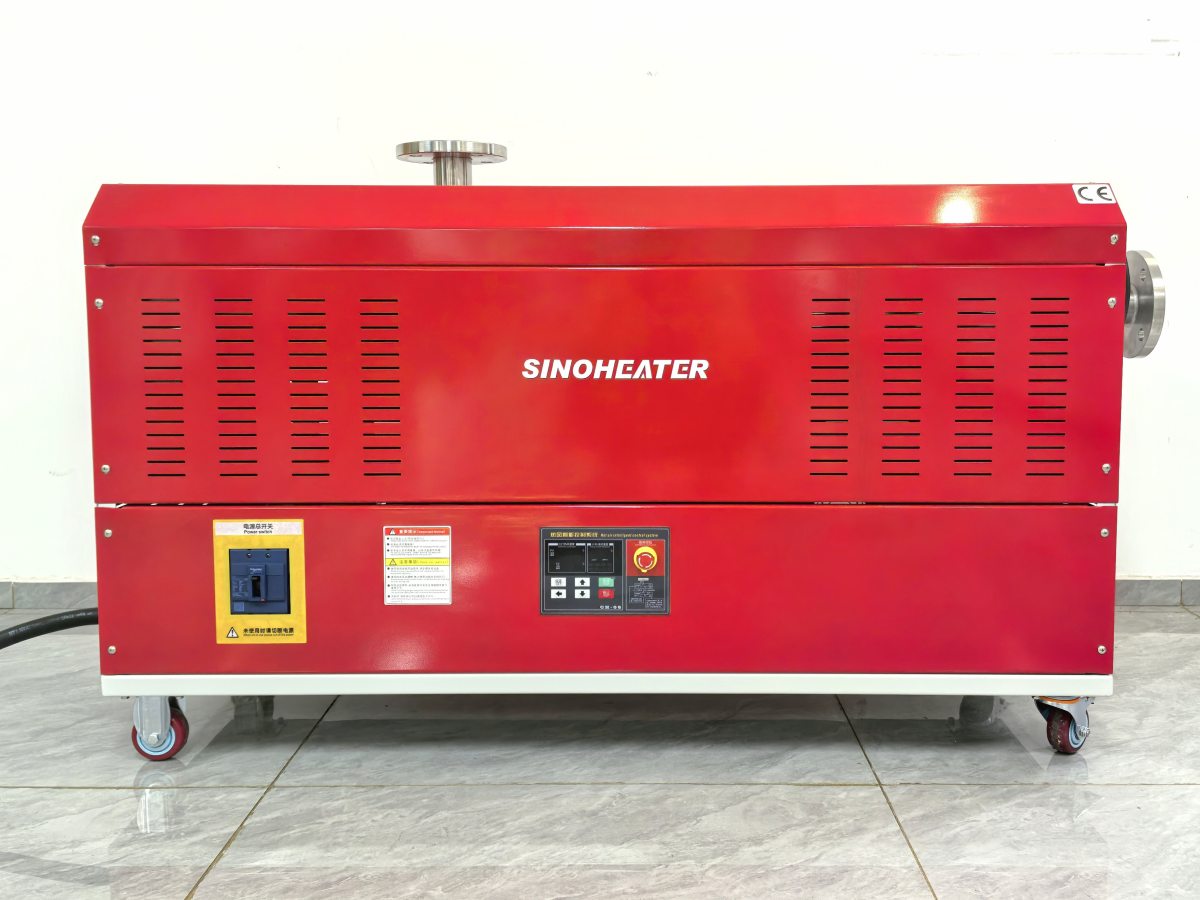
A well-planned digital display panel embedded layout for hot air blowers balances clear visual readability, reliable structural protection and convenient daily operation, ensuring the system runs stably even in busy industrial or high-dust working environments. Every layout detail is optimized to match the actual operation habits of users, avoiding common issues like unclear display, accidental touch damage or water and dust intrusion.
Viewing Angle and Height Position Calibration
The embedded position of the display panel is set at a slight upward tilt, which aligns the main viewing surface with the natural line of sight of a user standing or holding the equipment at normal working height. This angle eliminates the need for users to bend down or lift their arm awkwardly to read the displayed data, reducing unnecessary neck and shoulder fatigue during long operation sessions. The panel is placed in the upper front area of the blower main body, far away from the high-temperature air outlet and the strong airflow inlet, so it will not be directly exposed to excessive radiant heat or fast-moving dust particles. The height of the panel is also carefully adjusted to avoid blocking the main air flow path, ensuring the normal ventilation and heat dissipation of the entire equipment will not be disrupted.
Edge Sealing and Embedded Groove Structural Design
The surrounding embedded groove of the display panel is molded with a one-piece high-precision process, creating a uniform narrow gap between the panel edge and the outer housing of the hot air blower. A continuous high-elastic sealing strip is pre-installed inside this groove, which fills all tiny gaps completely to block fine dust, splashed water droplets and other foreign objects from entering the internal circuit area. The outer edge of the housing around the panel is designed with a slight raised protective rim, which prevents the display surface from being scratched or pressed directly when the equipment is accidentally placed face down on a workbench. No exposed screws or sharp edges are left around the panel, making the whole surface smooth and easy to wipe clean during daily maintenance.
Display Area and Operation Button Zoning Arrangement
The display area and the corresponding operation buttons are arranged in a logical sequence that follows the natural movement habit of the user’s fingers. The core temperature and air volume data are placed in the central high-visibility zone of the display, while the secondary status indicators are arranged around the edges without blocking the main information. The operation buttons are embedded slightly below the outer surface of the housing, which effectively prevents accidental touch misoperation when the user is carrying or adjusting the equipment. The distance between each button is kept at a reasonable value, so users can press the correct one smoothly even while wearing thin work gloves. This zoning arrangement ensures every operation step is intuitive and straightforward, reducing the learning curve for new users and improving overall operation efficiency.